While I’ve been trying to do my own thing, I have been continuing to look for a “day job”. Three things I’ve noticed:
- There are a lot of bad websites out there.
- There are a lot of bad forms in use (too many by government agencies)
- Way too many dead links. (fingers crossed I’m not one of them).
I’ll probably talk about the first two later, but I wanted to talk about the third one today. Dead links negatively impact your performance on search in Google and negatively impact potential customers. To give an egregious example, I saw a listing for a job for a position with Texas Workforce Solutions, it told me to check either the workintexas.com website or the local county office (which is where the job would be located). I went to the local website and saw a link for “Hot Jobs”, I clicked the link…dead. I will note that it is currently working and that link was to a PDF of job listings but imagine a normal job seeker going to the website the same day I did and finding that dead link. What are the odds they will come back days later and click that link again? One might assume it has been broken for a while or never works. This poor job seeker may have missed out on something that a normal search wouldn’t have unearthed.
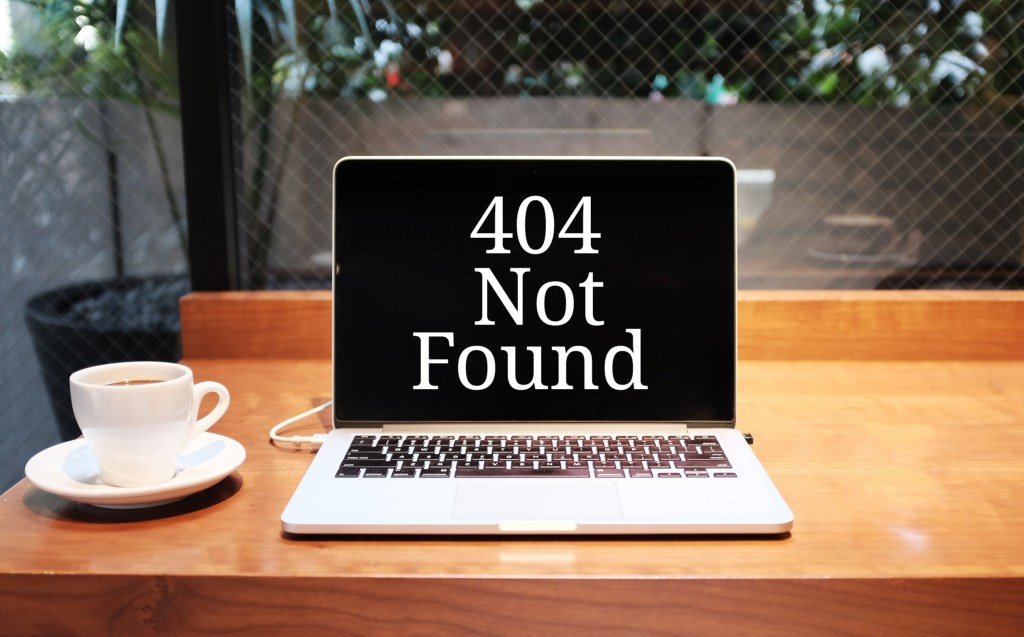
Now if you’re a retailer or sell a service, what happens if a potential customer clicks on a link that leads them to a dead end. I remember looking at a consulting firm I was thinking of putting in an application with, and one of the pages about the company came back with a 404 error (dead/missing page). Not a good look. I remember that page was supposed to be something more about the company’s culture, I tried clicking from a different page, still dead. What this means is they probably renamed the page or deleted it, but didn’t update the links, which were in the text of other pages as well as the menu. It’s an easy mistake to make, which is why if you make any changes to your website you should do multiple checks to ensure everything is working properly.
How do you find dead links? If you have a small enough website (three pages are so), you could just click through your menu or any hyperlinks in your text. If you’ve got a full online store with hundreds of pages, you’ll probably want to use a tool like SEMrush or Google Search Console. A quick google search for “find dead links on website” returns quite a few results. I just used a free checker (brokenlinkcheck.com) and found 5 on my website (due to websites that no longer exist). The free version doesn’t check for a broken image or file links, but it is still a good start. It also doesn’t work if you have more than 3000 pages and need subpages checked. You will need their commercial version to do that. Though at that point you’ll probably want something as robust as SEMrush.
Now your SEO won’t be affected as even Google understands that pages will have the occasional bad or dead links, but your customers don’t see your website the same as Google. Your customers are looking for information and if they can’t get it, they might go elsewhere. At the very least it gives them less confidence in your ability to help them. I remember looking at a restaurant and the link to their food menu wasn’t working. Do you think I went there?
Think of your website as an extension of your company. If you are a restaurant you can occasionally run out of a menu item, but having a menu item listed that you no longer serve would make quite a few customers upset. Checking for dead links isn’t something you have to constantly do, mostly you would just do it when you’ve made changes to your website. Like my restaurant example, if you make a change to the menu, you have to update the physical menu as well. Now go out there and hunt down your dead links!

 Joe Robles